
Build your first funnel
A funnel is a set of ordinary WordPress pages that Cartless wires together: a landing page, a checkout, an upsell, a downsell and a thank-you page. Creating one takes a name; Cartless builds the pages, and you edit them like any other page on your site.
What a funnel is
Section titled “What a funnel is”One product, one path. The buyer lands, checks out, is offered one more thing, and arrives at a thank-you page. There is no cart and no catalogue between those steps — which is the point.
Every step is a real page. You can rename, rewrite or delete any of them afterwards.
Create it
Section titled “Create it”- Go to Cartless → Funnels and click New funnel.
- Give it a name and a currency, then Create funnel.
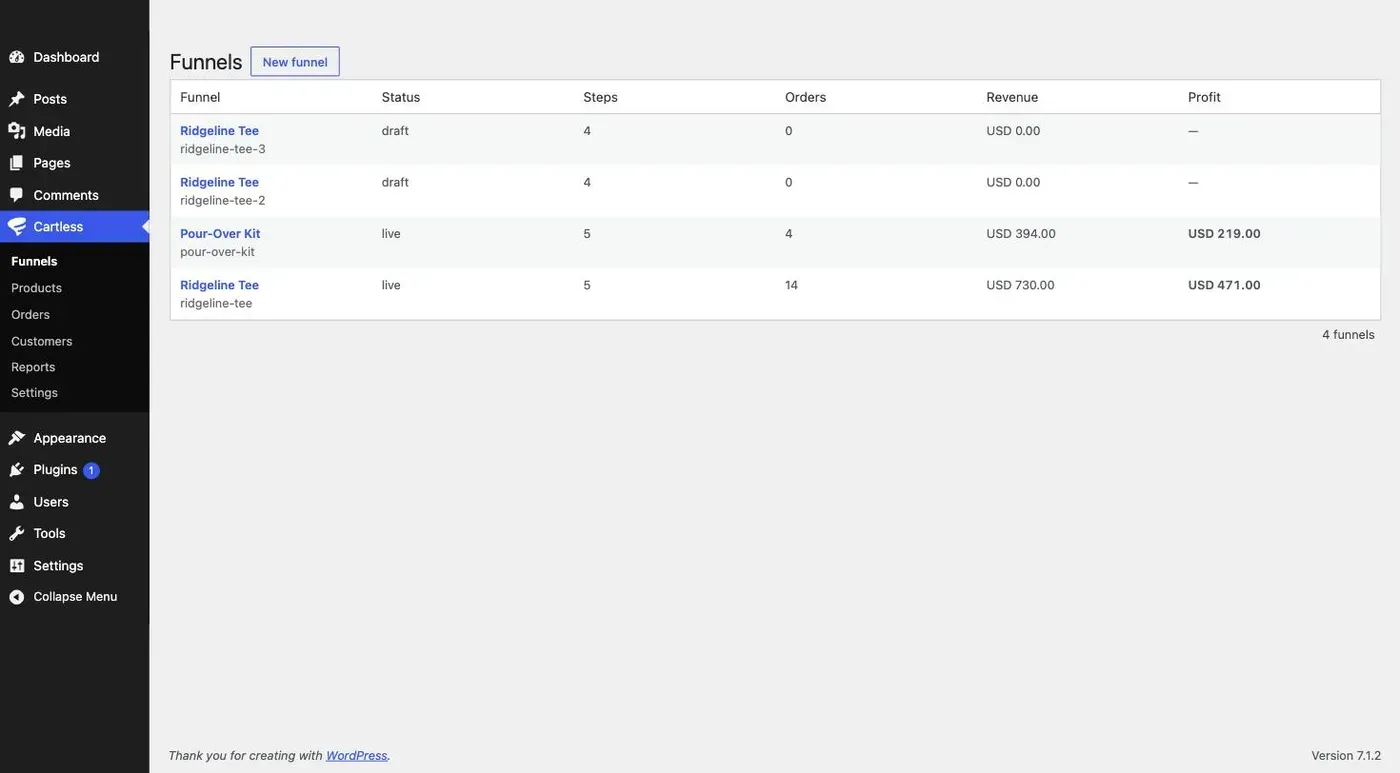
Cartless creates five pages — landing, checkout, upsell, downsell and thanks — already wired together, and opens the funnel editor.
What pages it made
Section titled “What pages it made”| Page | Slug | Opens with |
|---|---|---|
| Landing | /your-funnel |
Nothing — this is your sales page. Write it. |
| Checkout | /your-funnel-checkout |
[cartless_checkout] |
| Upsell | /your-funnel-upsell |
[cartless_upsell] |
| Downsell | /your-funnel-downsell |
[cartless_upsell] |
| Thanks | /your-funnel-thanks |
[cartless_receipt] |
The landing page is deliberately empty. It is where your copy goes, in whatever editor you use.
On the free plugin the upsell and downsell steps pass the buyer straight through to the thank-you page — nothing is charged and nothing is lost; the offer simply is not made. One-click upsells are part of Cartless Pro.
Put a Buy Button on a page you already have
Section titled “Put a Buy Button on a page you already have”You do not have to use the generated landing page. If you have a sales page you like, keep it, and point a button at the funnel’s checkout:
[cartless_button funnel="your-funnel" label="Buy now"]funnel is the funnel’s slug from the editor’s Settings tab. label is optional and defaults to Buy now. The block editor has a Cartless Button block that does the same thing.
Take a test payment
Section titled “Take a test payment”- Open the checkout page with Stripe in test mode.
- Enter an email and pay with card
4242 4242 4242 4242, any future expiry, any CVC. - You land on the thank-you page, and the order appears under Cartless → Orders.
Deleting a funnel
Section titled “Deleting a funnel”Delete funnel removes the funnel and its wiring only. The pages stay, and so do the orders.