
Product images and the Product block
A product’s images live on the product, not on a page. Upload them once under Products → the product → Images, and every place that shows the product reads them from there: the Cartless Product block on your landing page, the checkout summary, and the upsell page. Change a price or swap a photo and every page changes with it.
Images per colour or size
Section titled “Images per colour or size”Below the product’s own images there is a picker for each value of a checkout axis — Colour · Navy, Colour · Black. A value with its own set shows that set when it is picked; a value without one shows the product’s. Sizes usually need none.
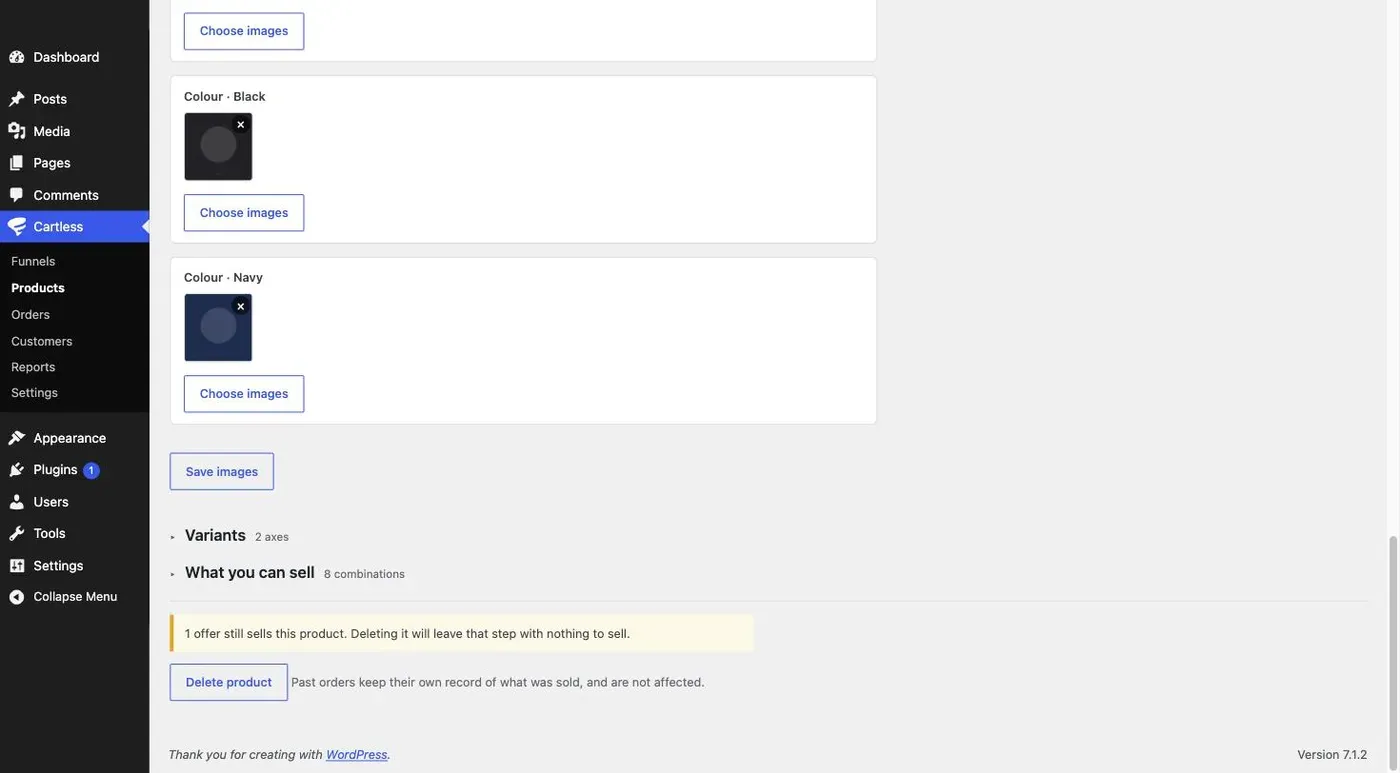
When two axes both have images for what is picked, the first axis wins. Order your axes so the one that changes the look — usually colour — comes first.
The Product block
Section titled “The Product block”Add Cartless Product to any page (block editor, Elementor widget, or [cartless_product]). On a funnel page it shows that funnel’s main product at the funnel’s price; anywhere else, pick the funnel — the picker searches by the funnel’s name, its product, or the product’s SKU. It shows the images as a main picture with thumbnails, a carousel, or a single image, with zoom on hover, the variant picker, and the buy button — each of the last three can be turned off.
Shortcode attributes: funnel (its slug), gallery (thumbnails, carousel, single), zoom, picker, button, label.
A size or colour picked on the block travels to the checkout in the button’s link, and the checkout starts with it selected. If that combination has sold out by then, the checkout asks again.
Asking at checkout, or not
Section titled “Asking at checkout, or not”Under the funnel’s Settings tab, Ask for size and colour at checkout is on by default: the checkout shows the pickers whatever happened before. Turn it off when the Product block already asks, and the checkout will state the choice — Size L · Colour Navy — with a change link. If a buyer arrives with no choice made, the checkout asks anyway; it will never be unable to sell.
Templates
Section titled “Templates”A funnel template carries the product’s images, so an exported funnel arrives on the next site with its pictures. The two playbooks bring placeholder pictures to replace with your own.