
Stripe and webhooks
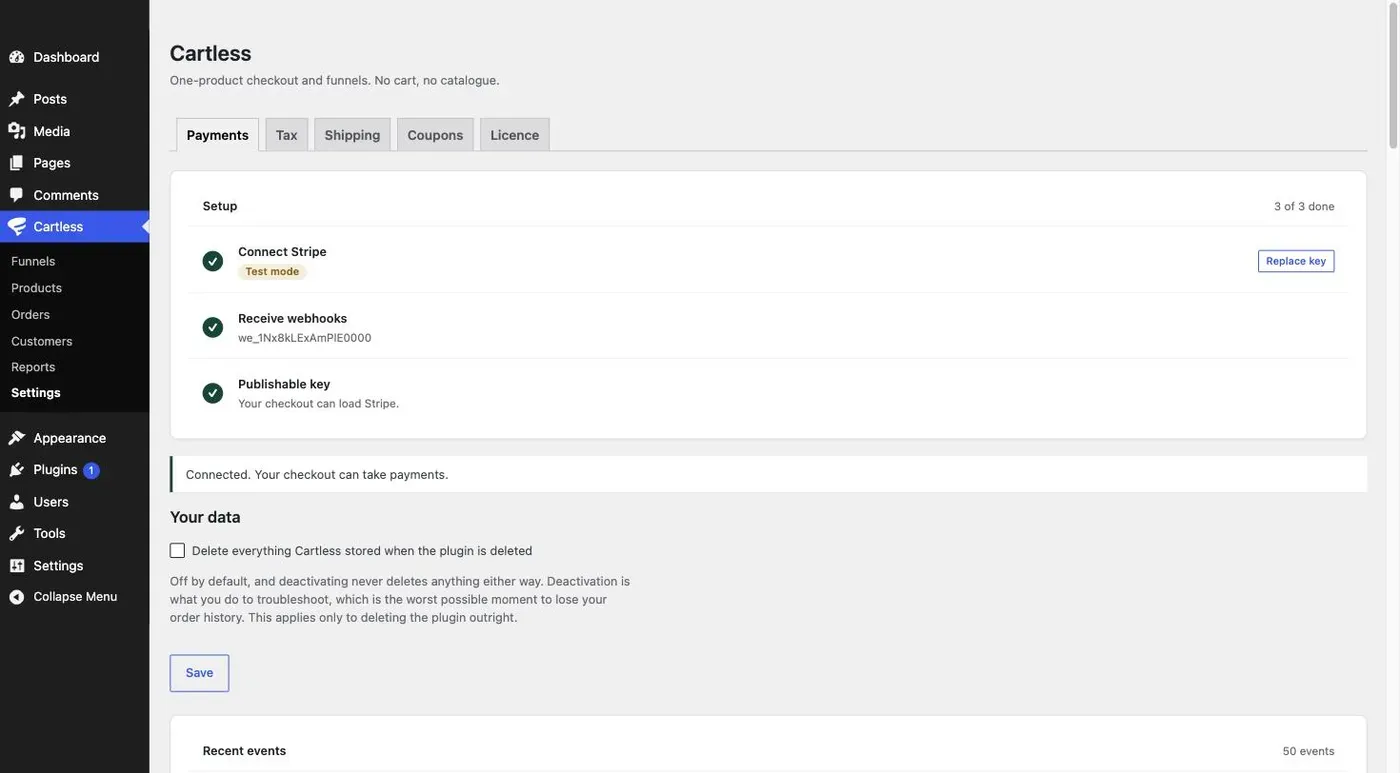
Cartless connects to Stripe with a restricted key — one you create with only the permissions listed on screen — and never asks for your secret key. Once the key is saved, Cartless registers its webhook endpoint with Stripe itself. Cartless → Settings walks through it as a three-step checklist.
The restricted key, and what it can do
Section titled “The restricted key, and what it can do”Open your Stripe API keys, click Create restricted key, name it anything, and start from zero permissions. Then set exactly these, leaving every other one on None:
| Permission | Level | Why |
|---|---|---|
| Webhook Endpoints | Write | Set up delivery of payment notifications |
| PaymentIntents | Write | Take payments |
| Customers | Write | Remember buyers between steps |
| PaymentMethods | Write | One-click upsells |
| Charges | Read | Show orders and reconcile |
| Refunds | Write | Refund from your orders screen |
| Account | Read | Show which account is connected — optional |
Write includes Read. With this key Cartless cannot see your balance, move money out, or read anything not listed. Stripe shows the key once; it begins with rk_. Paste it into Restricted key.
Then copy the publishable key from the same page — it starts with pk_, is safe to share, and appears in your checkout so Stripe can load. Without it, no checkout page will render.
The webhook, registered for you
Section titled “The webhook, registered for you”Once a restricted key is saved, Cartless creates a webhook endpoint on your Stripe account pointing at your site, and stores the signing secret Stripe returns. Settings shows the endpoint. You do not create it in the Stripe dashboard.
If Stripe cannot reach your address — a local development site — no endpoint is registered and Settings says so. Forward events with the Stripe CLI instead; it signs with its own secret, which is why you paste that one rather than Cartless creating it.
When the site address changes
Section titled “When the site address changes”The endpoint is tied to your site’s address. Move from staging to production, change domains, or switch from HTTP to HTTPS, and Stripe is still sending events to the old address. Cartless notices — Settings shows The site address changed. Save your key again to re-register. — and re-registers the endpoint when you do.
Test mode and live mode
Section titled “Test mode and live mode”A key beginning rk_test_ puts Cartless in test mode; rk_live_ is live. Settings says which. Test mode takes test cards only — 4242 4242 4242 4242 succeeds — and records orders like any other, so you can walk a funnel end to end before a real buyer does. Swap in a live key when you are ready; the webhook is re-registered for the live account.
Disconnecting
Section titled “Disconnecting”Remove credentials deletes the keys and the endpoint from this site. It does not delete the endpoint from your Stripe account; remove that in the Stripe dashboard if you are done with it.